

 Nederlands
 Deutsch
 Français
 Español
 Italiano
 Português
 Polski
 Svenska
 Norsk
Norsk Dansk
Dansk Suomi
SuomiFind Google Play in the car
Open the app library on the center display. Look for Google Play or the option to get more apps.
Volvo XC40 · Google built-in
Drive an XC40 with Google built-in? RoadCast brings live internet radio to the car’s media display. Find a station, start listening and keep the controls in the car.
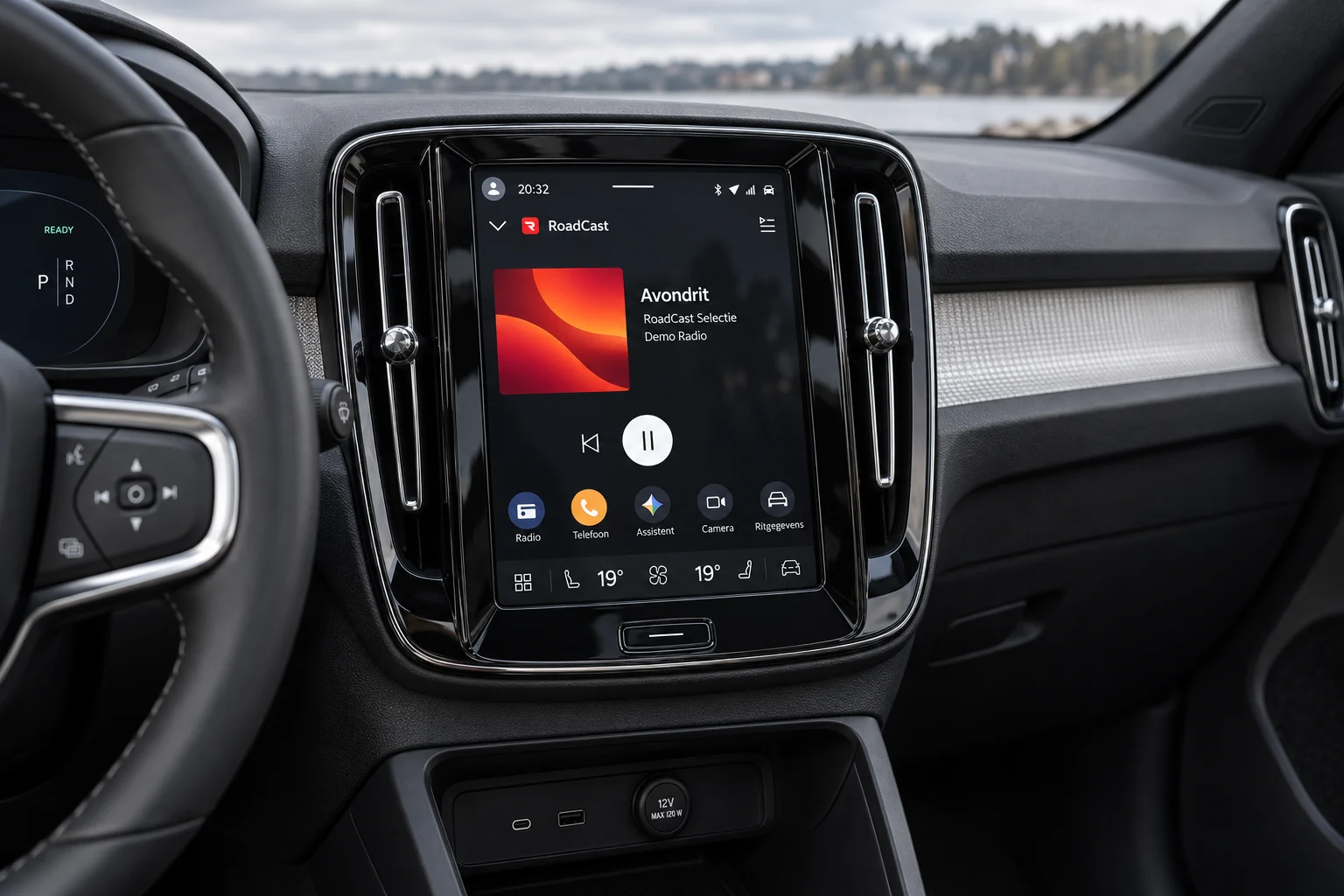
Before you install
XC40 equipment differs by version and model year. RoadCast is made for the built-in Android Automotive OS, not for Android Auto on a connected phone.
Open the app library on the center display. Look for Google Play or the option to get more apps.
Use the car’s app store to search for RoadCast. Availability can vary by vehicle and region.
If RoadCast is offered for your XC40, install it in the car and select a live station.
Availability can vary by model year, vehicle and region.
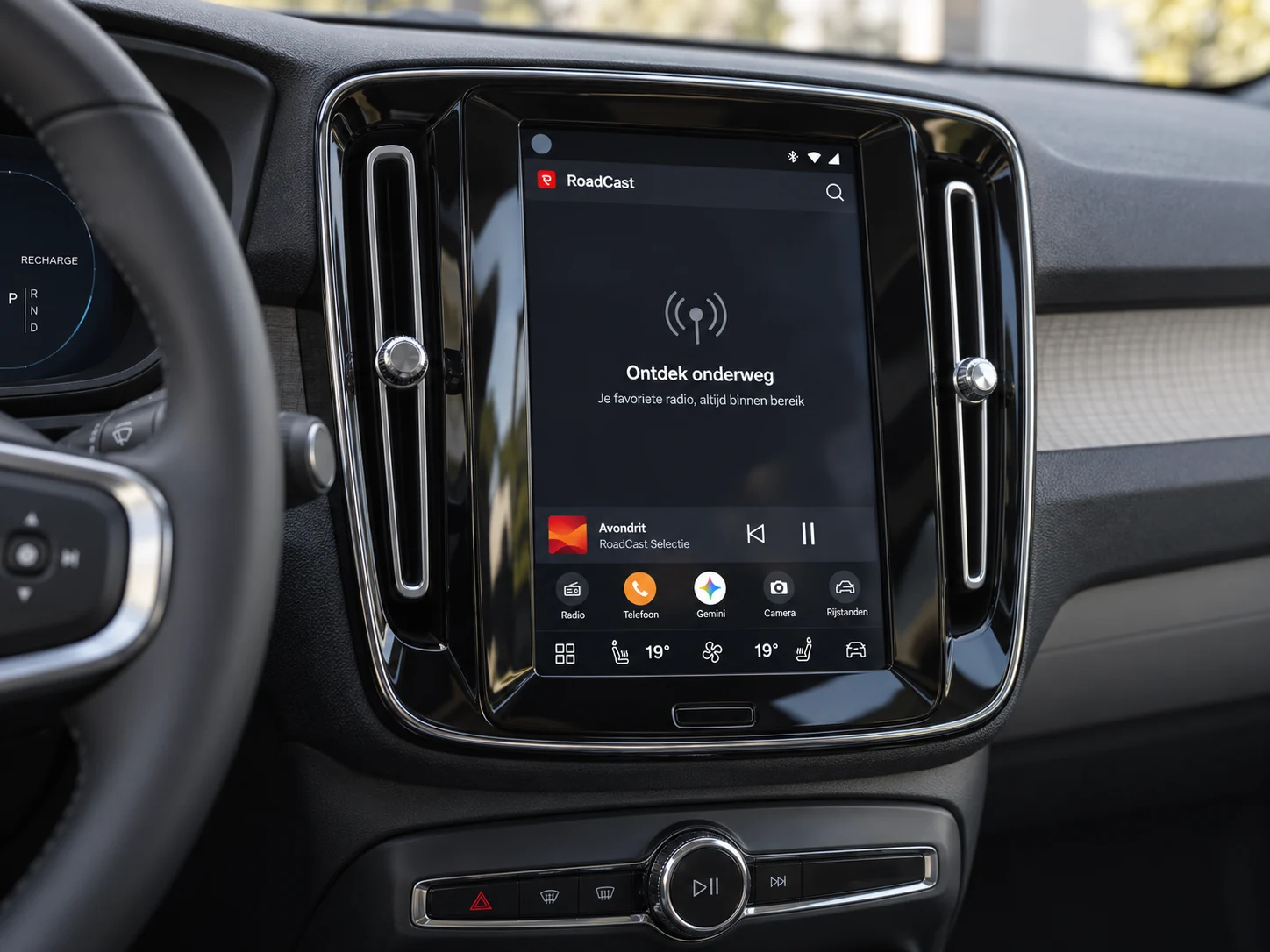
On the center display
RoadCast uses the familiar media environment of Android Automotive. Browse stations on the display and control playback through the car’s supported media controls. Live streams need an internet connection.
GET IT ONGoogle PlayGood to know
No. Check whether your XC40 has Google built-in and whether RoadCast is offered in the car’s app store. Equipment and availability vary.
The app runs on the car’s built-in Android Automotive OS. A phone is not needed to project the interface, but the car needs an internet connection for live radio.
No. RoadCast is an independent radio app and is not affiliated with Volvo Cars.